Answers··7 min read
How to format a booklet for printing (in Word)?
Set up a booklet in Word with Book fold, a page count in multiples of four, a gutter and two-sided printing, then export a PDF for print on demand.
On this page
In Word, open Layout > Margins > Custom Margins, set Multiple pages to Book fold, and increase the Gutter to leave room for the binding. Keep the total page count a multiple of four for a stapled booklet, then print on both sides and flip on the short edge, or export a PDF if a print-on-demand service will print it.
How do you set up a booklet in Word with Book fold?
Book fold is a page setup option that puts two pages on each landscape sheet so the sheets fold into a booklet. Microsoft’s booklet guide gives the path:
- Go to Layout > Margins > Custom Margins.
- Under Multiple pages, choose Book fold. Word switches the orientation to landscape on its own.
- Raise the Gutter value to reserve space on the inside fold for staples or other binding.
- For a long document, use Sheets per booklet (Sheets in booklet on Mac) to split it into several smaller booklets.
Set this up before you write or paste in the final text, because changing margins later reflows every page. Add page numbers in the header or footer so the printed sheets are easy to check. Microsoft’s own tip is to consider them for a polished look.
Choose your finished page size first, under Layout > Size. Book fold prints two of those pages side by side, so a booklet with half-letter pages (5.5 x 8.5 inches) prints on a letter sheet turned sideways.
Book fold is built for home or office printing, where Word arranges the sheets for you. Most print-on-demand services want single pages in order, not pre-arranged spreads.
Why does a booklet need a page count in multiples of four?
A stapled booklet needs a multiple of four because each folded sheet forms four pages. Printers who sell saddle-stitched booklets say this directly: Formax Printing lists 4, 8, 12, 16 and so on as valid counts and says a 7-, 10- or 25-page booklet is not possible.
Count every page, including the covers and any blank pages. Printing Center USA numbers a booklet as page 1 for the front cover, page 2 for the inside front cover, and page 8 for the back cover in an eight-page booklet.
If your text ends on a page that leaves you short, fill the gap with something useful: a notes page, an About the author page, a short list of resources or an acknowledgments page. Blank pages work too, but they look unplanned if they all land at the end.
Word’s Book fold does the same math when you print. If your total is not a multiple of four, the last sheet prints with empty sides, so add the filler yourself and control where it goes.
| Pages | Sheets of paper | Valid? |
|---|---|---|
| 8 | 2 | Yes |
| 12 | 3 | Yes |
| 22 | 5.5 | No: add 2 pages to reach 24 |
| 24 | 6 | Yes |
| 92 | 23 | Yes (the top of one printer’s stated range of 8 to 92) |
What margins and gutter should a booklet have?
Use at least the margins your printer states, and make the inside margin larger than the outside one. Word’s Gutter setting adds that extra inside space for you.
Amazon KDP’s paperback margin rules are a good reference point if you plan a perfect-bound book. They set the inside margin by page count and allow 0.25 inches on the other sides without bleed:
For a plain-paper stapled booklet printed at home, there is no universal rule. A printer’s unprintable edge is often around a quarter inch, so keep text at least that far from the edge, and check your printer’s manual. If you want images to run to the edge, you need bleed. KDP says to add 0.125 inches (3.2 mm) to each dimension, so a 6 x 9 inch book becomes 6.125 x 9.25 inches.
Use the gutter margin calculator to pick an inside margin for your page count.
| Page count | Inside margin (gutter) |
|---|---|
| 24–150 | 0.375 in |
| 151–300 | 0.5 in |
| 301–500 | 0.625 in |
| 501–700 | 0.75 in |
| 701–828 | 0.875 in |
Should you choose saddle stitch or perfect binding?
Choose saddle stitch for short booklets and perfect binding for longer ones. Saddle stitching uses staples through the folded spine, so it suits programs, calendars, photo books and short guides. Printing Center USA lists a range of 8 to 92 pages for its saddle stitching, though limits differ by printer and paper.
Thick stapled booklets suffer from page creep, where the inner pages stick out farther than the outer ones. Printing Center USA says this is more noticeable with higher page counts or thicker paper, and that short booklets see little of it. Trimming usually fixes it, but you can also keep the page count lower.
Perfect binding glues the pages into a squared spine, so it has a printed spine, takes a thicker book and does not require multiples of four. Formax points to perfect binding for content that does not fit a multiple of four. Print-on-demand paperbacks are perfect bound, and KDP’s paperback range is 24 to 828 pages, depending on trim size and paper. See KDP trim sizes and the spine width calculator if you go that way.
How do you print a booklet double-sided?
Print on both sides and flip the sheets on the short edge. That is Microsoft’s instruction for Windows, and it stops every other page from coming out upside down.
- Printer with automatic duplex (Windows): in File > Print, choose Print on Both Sides and Flip pages on short edge.
- Mac with automatic duplex: File > Print, then under Two-sided choose Booklet.
- Printer without duplex: choose Manually Print on Both Sides. Word prints one side, then asks you to put the stack back in the tray. Flip on the short edge when prompted.
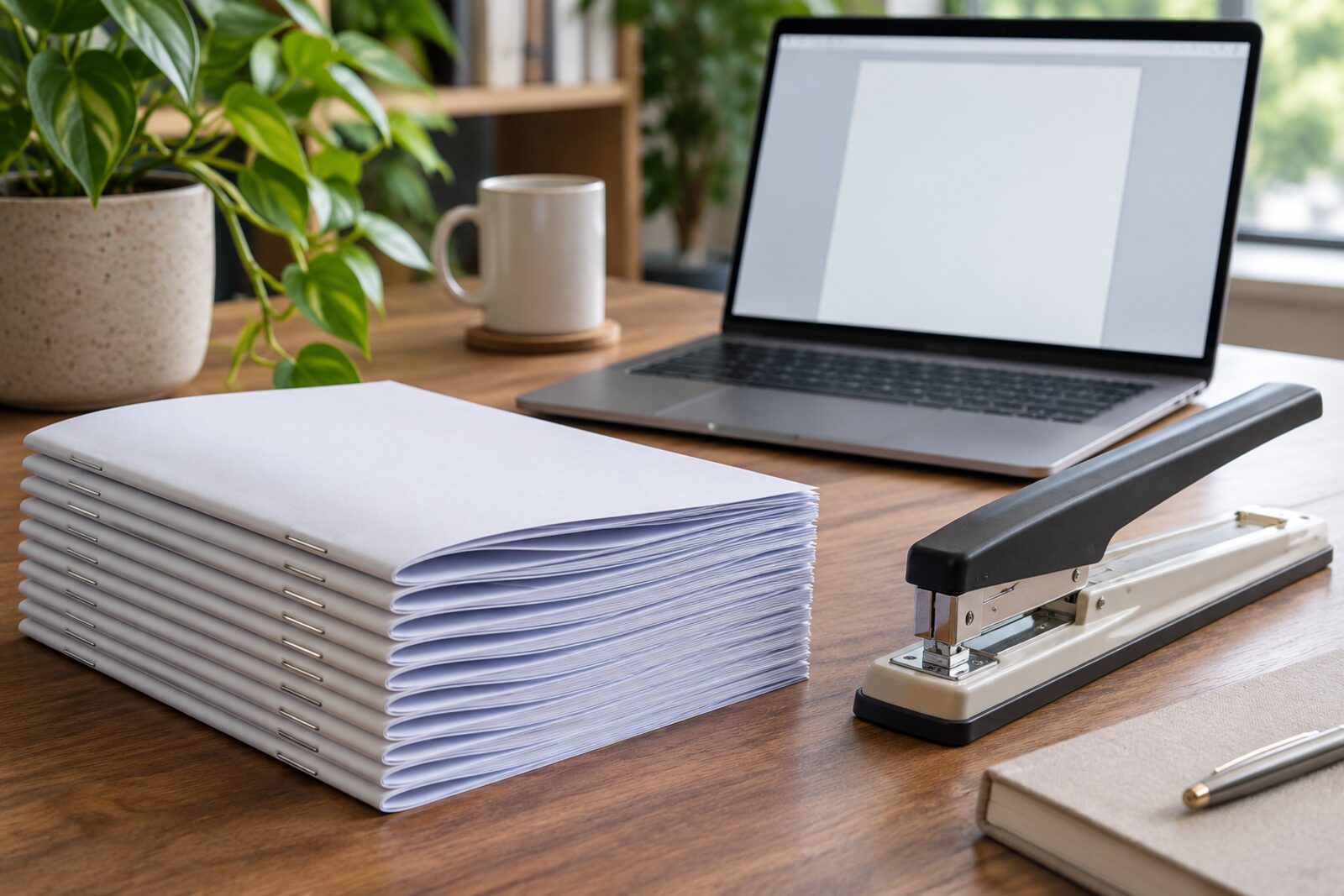
Test with a four-page document first (one sheet) so you see the orientation before wasting paper. Then fold the stack in half, nest the sheets and staple on the fold. A long-arm or saddle stapler makes a straight line. A normal stapler works if the booklet is thin.
How do you export a booklet PDF for a print-on-demand service?
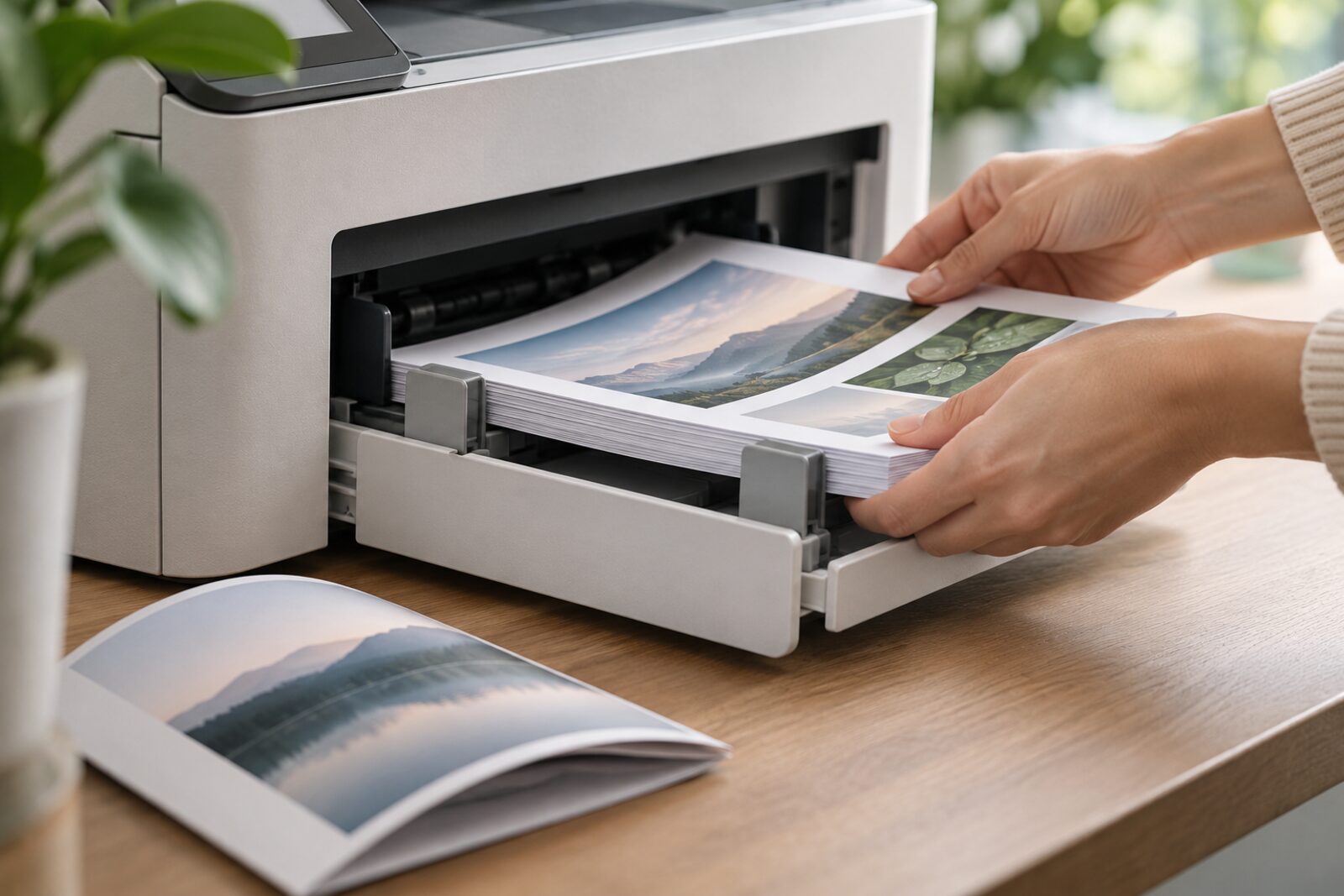
Export the pages in reading order at the printer’s exact trim size, not as pre-arranged Book fold sheets. Printers impose the pages for their own folding, so they usually want page 1, page 2, page 3 and so on, as single pages.
- Set the finished page size (Layout > Size > More Paper Sizes) to match the printer’s trim size.
- Change Multiple pages from Book fold to Normal, then set mirror margins or a gutter that meets the printer’s margin table.
- Make the page count match the binding: a multiple of four for staples, within the printer’s limits for glue.
- Use File > Save As or Export, choose PDF, and open the result to check page order, fonts and that no text sits too near the edge.
- Upload the cover separately if the printer asks for that. Cover spine width depends on page count and paper, so use the printer’s own template or calculator.
If you plan to sell the booklet as a book, read how to format a book in Word and how to format a book for KDP for a full book layout.
What mistakes ruin a printed booklet?
The most common mistakes are a page count that is not a multiple of four, no gutter, and the wrong flip edge.
- Wrong page count: the printer adds blank pages wherever it likes, often at the end.
- No gutter: text disappears into the staples or glue.
- Flipping on the long edge: the back of every sheet is upside down.
- Sending a Book fold PDF to a printer: pages get imposed twice and end up out of order.
- Ignoring bleed: images that should reach the edge leave a white strip after trimming.
- Skipping a proof: print one copy, or order the printer’s proof, before a run.
If you would rather not manage layout yourself, CruxOne’s book formatting produces KDP-ready PDF, EPUB and DOCX files, and there is a free plan to start.
Frequently asked questions
How do I format a booklet in Word?
Go to Layout > Margins > Custom Margins, set Multiple pages to Book fold, raise the Gutter, and keep the page count a multiple of four. Word turns the page to landscape automatically.
How many pages should a booklet have?
A stapled booklet needs a multiple of four, such as 8, 12 or 16. One printer lists 8 to 92 pages for saddle stitching, but limits vary by printer and paper.
What is the gutter in a booklet?
The gutter is extra space on the inside margin where pages meet at the fold or spine. Microsoft says to increase it to reserve space for binding.
How do I print a booklet on both sides?
Choose Print on Both Sides and flip on the short edge. If your printer cannot do duplex, use Manually Print on Both Sides and reload the stack when Word asks.
Should I send a Book fold document to a print shop?
Usually not. Ask the printer, but most want a PDF of single pages in reading order at the finished trim size, and they arrange the sheets themselves.
Is saddle stitch or perfect binding better?
Saddle stitch suits short booklets and costs less to set up. Perfect binding gives a squared spine, handles more pages and does not need multiples of four.
Sources
- Microsoft Support: Create a booklet or book in Word — checked 23 November 2026
- Formax Printing: Why saddle-stitched booklets require a multiple of 4 — checked 23 November 2026
- Printing Center USA: Saddle Stitch — checked 23 November 2026
- Amazon KDP: Set trim size, bleed and margins — checked 23 November 2026
Margin, page-count and file requirements differ by printer. Check your printer’s own specifications before you upload or print.