Answers··6 min read
Can I use AI to write a children’s book?
Yes, you can use AI for a children’s book. Here is how it works for story and art, picture-book page counts, KDP disclosure, and copyright limits.
On this page
Yes. You can use AI to help write and illustrate a children’s book, and Amazon KDP accepts AI-generated text and images as long as you disclose them and the book follows its content guidelines. The harder parts are keeping characters consistent across pages, checking everything for age-appropriateness, and knowing that purely AI-generated material may not earn copyright protection.
Is it allowed to use AI for a children’s book?
Yes, it is allowed on Amazon KDP, with a disclosure duty. KDP says it requires you to inform it of AI-generated content (text, images, or translations) when you publish a new book or make edits.
The line KDP draws is between generated and assisted. If an AI tool created the text or images, that is AI-generated and must be disclosed. If you wrote or drew the work yourself and used AI to edit, refine or error-check it, KDP calls that AI-assisted and says you are not required to disclose it.
KDP also says you are responsible for verifying that all AI-generated and AI-assisted content follows its content guidelines. For a book aimed at young readers, that responsibility matters most. Other stores have their own policies, so read each one before you upload wide. For a longer walkthrough of the form, see how to use AI disclosure on KDP.
How do you use AI for the story and the illustrations?
Use AI as a drafting partner for the story and as a separate tool for the art, and keep your own judgment on every page.
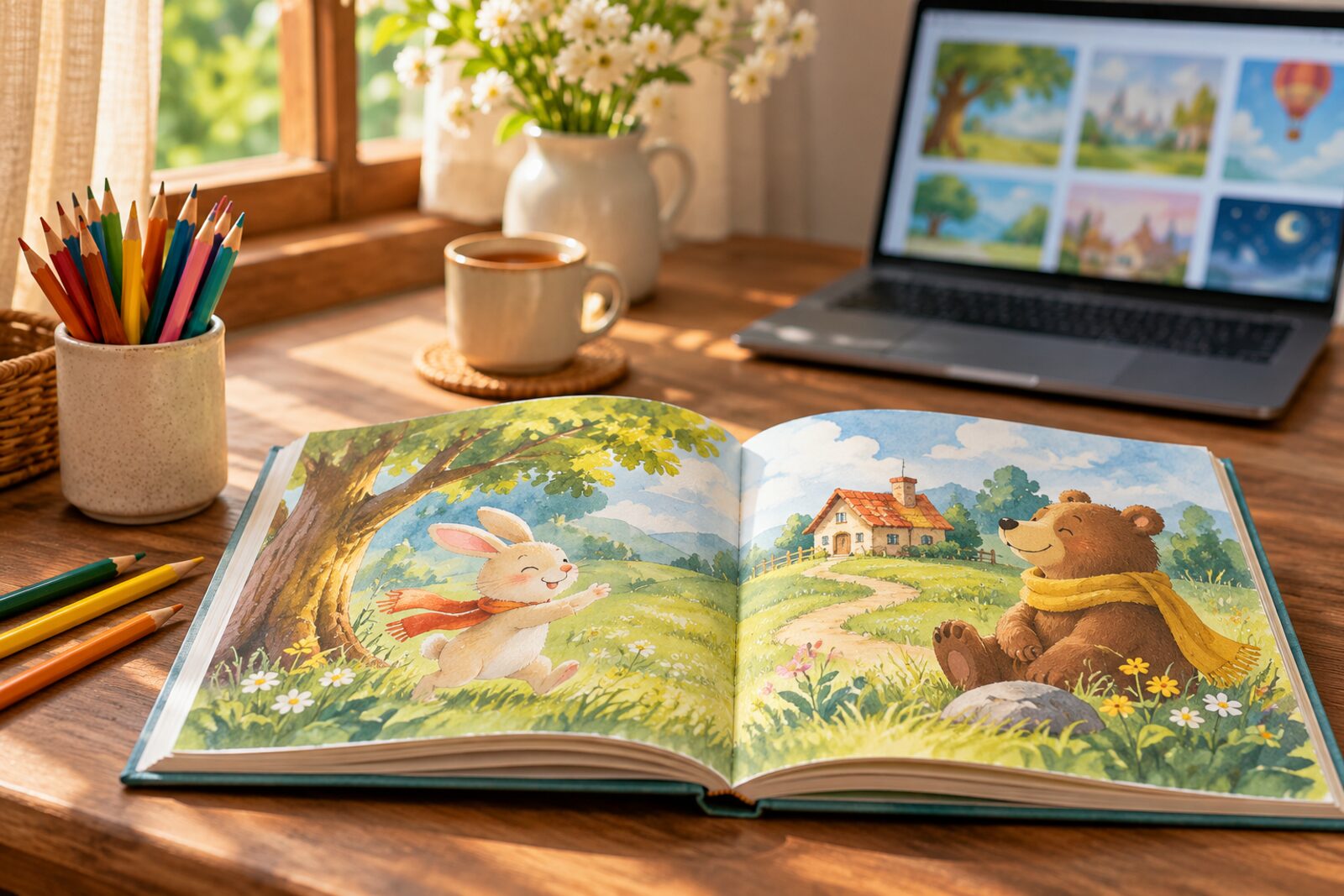
- Story: Decide the character, the problem and the ending first. Ask AI for page-by-page outlines, rhyme options or alternate openings, then rewrite in your own voice and read it aloud.
- Art: Write a short visual brief per spread: setting, what the character is doing, mood. Generate options, then pick and edit.
- Layout: Place text where the art leaves space, and keep each spread to a few short lines.
A children’s book is read aloud, so test it with a real child or a read-through. If a line stumbles in your mouth, it will stumble for a parent. For the broader process, see how to write a children’s book and how to write a book with AI.
How many pages should an AI-made picture book have?
A fiction picture book is usually 32 pages. Penguin’s guide to writing a picture book gives 32 pages and 500 to 1,000 words for story-based picture books, and says non-fiction picture books can extend to 96 pages.
Printing is why 32 is the norm, since pages are folded in sets of eight. Self-publishers are less tied to that, but it is still the safest target. On KDP, the print options page lists a 24 to 828 page range for a 5 x 8 inch black-and-white paperback. Limits differ by trim size, ink and paper, so check your chosen size before you plan the spreads.
| Type | Pages | Words |
|---|---|---|
| Story-based picture book | 32 | 500–1,000 |
| Non-fiction picture book | Up to 96 | Longer than fiction |
How do you keep AI illustrations consistent?
Consistency takes planning, because most image tools do not remember a character from one image to the next.
- Write a character sheet: age, hair, clothing, colors, and one or two distinctive features.
- Paste the same description into every image request, and keep style words identical.
- Choose one art style before you start and never mix styles between pages.
- Generate the main character first, then reuse that approved image as a reference if your tool supports it.
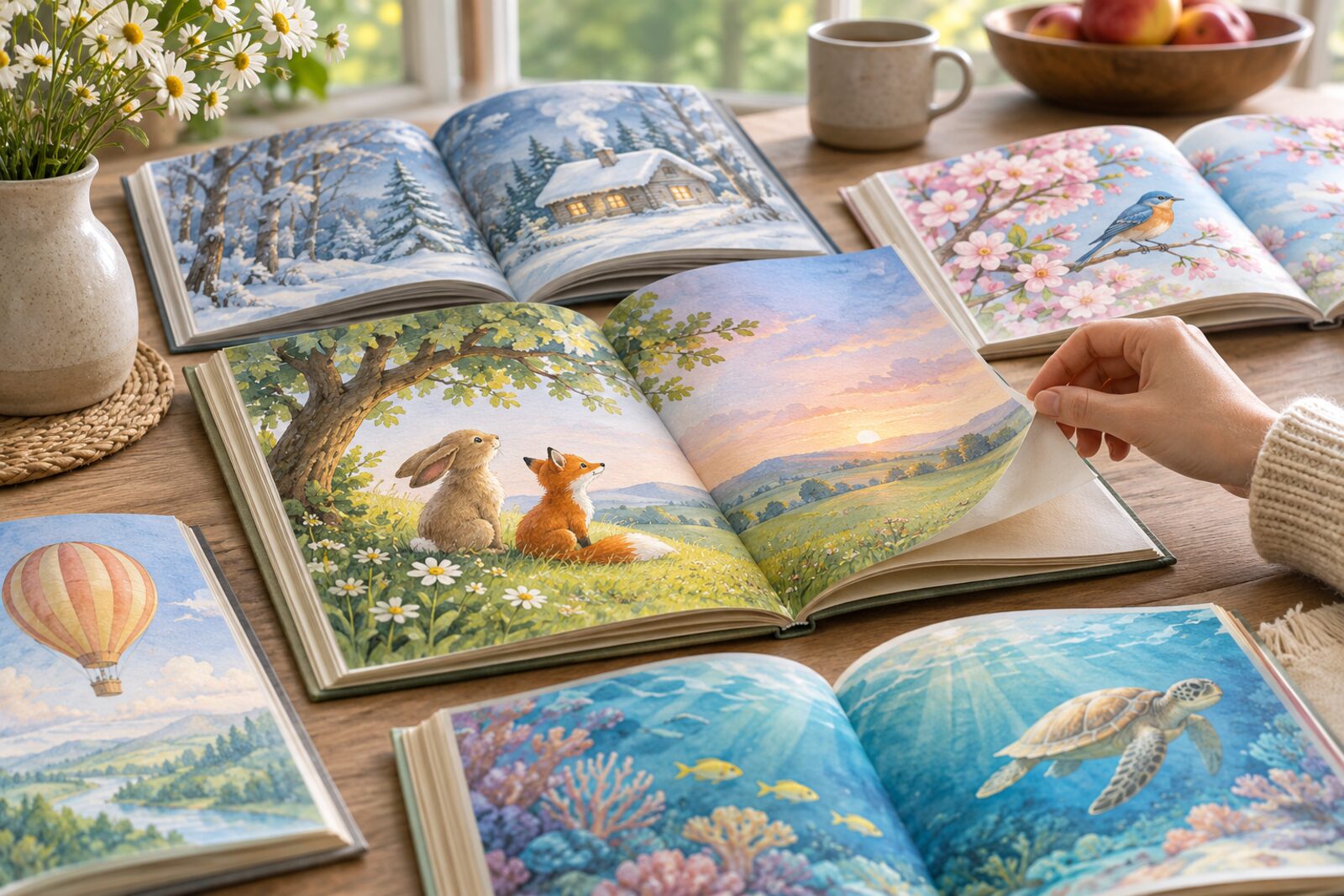
- Lay all spreads side by side before publishing and redo any page where the face, outfit or proportions drift.
Look closely at hands, animals, background text and extra limbs. Small errors that an adult skims past can confuse a child reading along. If consistency stays out of reach, hire a person for the art; see how to hire a children’s book illustrator.
Can you copyright an AI-assisted children’s book?
Only the human-authored parts are likely to be protected in the US. In its January 2025 report on copyrightability, the US Copyright Office concluded that protection can apply where a human makes creative arrangements or modifications of the output, but not through the mere provision of prompts.
For you, that means the text you actually wrote, the way you select and arrange images with the text, and art you draw or substantially rework are your strongest claims. A book of untouched AI pictures may leave you with little to enforce against copycats. Other countries differ, and the law is still moving; the Copyright Office’s AI page is the place to track US developments. See how to copyright a book for the basics, and treat this as general information rather than legal advice.
How do you keep the book age-appropriate and original?
Review every page yourself, and compare it against existing books before you publish. AI can produce frightening images, unsuitable wording, or a plot that closely echoes a famous story.
- Read the whole text for reading level, tone and anything a parent would not want read at bedtime. The reading level checker can flag text that is too hard.
- Check every image at full size for odd or disturbing details.
- Search for your title, character names and premise to avoid look-alikes of existing characters.
- Do not prompt for the style or characters of a living artist or a branded character.
- Add a human proofread. Even a short book needs one; see how to proofread your own book.
If you want one workspace for this, CruxOne’s AI book writer helps with outlining and drafting, and its AI cover maker handles front and full-wrap covers. You still make the creative and safety calls.
The disclosure form asks about AI-generated content, so keep a note of which pages used AI text or images.
What should you do before publishing?
Finish the checks, format to your trim size, disclose AI use, and publish. Format images and text for the print size you chose, run a proof copy if you can, and answer the AI questions truthfully in the KDP setup. Our guides on formatting for KDP and publishing a children’s book cover the steps, and CruxOne can format a KDP-ready file and publish to Amazon KDP from your account, with a free plan to start.
Frequently asked questions
Do I have to tell Amazon my children’s book used AI?
If AI created the text or images, yes. KDP requires disclosure of AI-generated content. If you only used AI to edit or improve work you created yourself, KDP calls that AI-assisted and does not require disclosure.
How many pages is a children’s picture book?
Typically 32 pages for a story-based book, with 500 to 1,000 words, according to Penguin. Non-fiction picture books can run up to 96 pages.
Can AI illustrate a whole children’s book?
It can generate the images, but keeping a character identical across 32 pages takes careful prompts and many retries. You must also disclose AI-generated images to KDP.
Can I copyright a children’s book made with AI?
Partly. The US Copyright Office says prompts alone are not enough, but your own writing, edits, and arrangement of the material can be protected.
Is an AI-written children’s story safe for kids?
Not automatically. You are responsible for checking tone, wording, images and reading level, and KDP says you must verify that AI content follows its content guidelines.
Sources
- Amazon KDP: AI content guidelines — checked 25 November 2026
- Amazon KDP: Print options (trim sizes and page counts) — checked 25 November 2026
- Penguin: How to write a children’s picture book — checked 25 November 2026
- US Copyright Office: Copyrightability of AI outputs (NewsNet 1060) — checked 25 November 2026
- US Copyright Office: Copyright and Artificial Intelligence — checked 25 November 2026
This is general information, not legal advice. Store policies and copyright rules change, so check the current official pages before you publish.